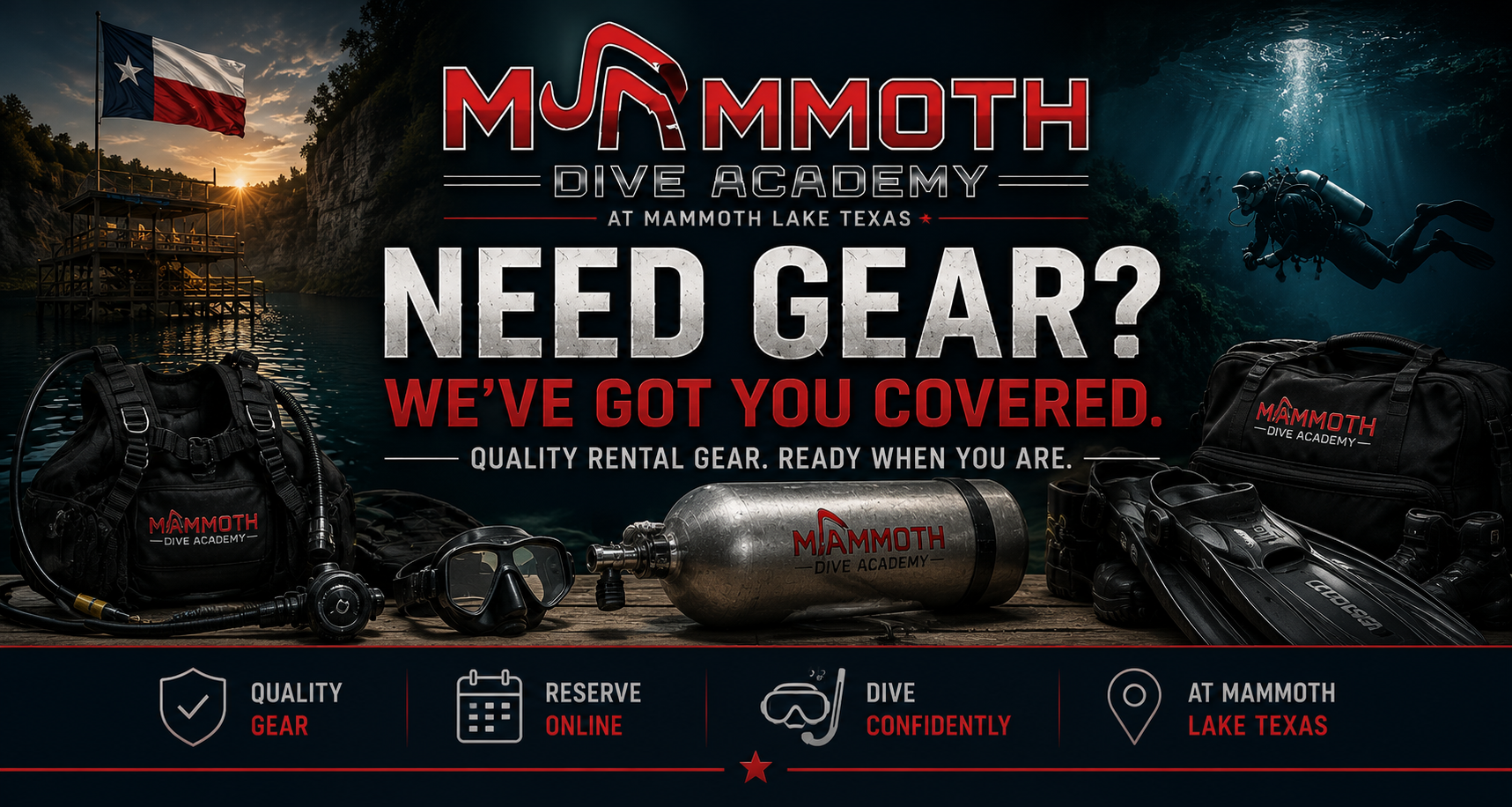
Need Gear? We’ve Got You Covered.
Rental gear is available at Mammoth Lake Texas and must be added during your online Day Pass checkout. Reserve ahead, arrive prepared, and spend more time diving.
Purchase Day Pass Ask About RentalsRental Options
Select rental gear during checkout when purchasing your Day Pass. Rental inventory is limited and available on a first-reserved basis.
Tank Rental ( AL80 $15 for Air/$25 Nitrox)
Need a cylinder for your dive day? Add tank rental during checkout when purchasing your Day Pass.
- Scuba cylinder rental
- For certified divers only
- Must be added to your Day Pass order
- Return rental tank before leaving the facility
Scuba Pack ($60)
A convenient rental package for certified divers who need more than just a tank.
- BCD
- Tank
- Regulator set
- Dive computer
- 10 lbs of weight
How To Rent Gear
Rental gear is handled through the Day Pass purchase process.
Purchase Day Pass
Select the correct dive date and begin your Day Pass checkout online.
Add Rental Gear
Add tank rental or the Scuba Pack as an add-on during checkout.
Check In & Dive
Bring your certification card, complete your waiver, check in, and pick up your reserved gear.
Important Rental Information
Rental gear must be added during online Day Pass checkout. Walk-up rental availability is not guaranteed. Rental equipment is limited, for certified divers only, and subject to availability, sizing, condition, and staff approval.
Before You Arrive
Help us make your check-in quick and easy.
Bring Certification Card
All divers must provide proof of certification before diving or renting scuba equipment.
Complete Your Waiver
Everyone entering the park must complete the required online waiver before arrival.
Reserve Early
Rental gear is limited. Reserving during checkout helps ensure the gear you need is available.
Reserve Your Gear With Your Day Pass.
Plan ahead, add your rentals during checkout, and arrive ready to dive at Mammoth Lake Texas.
Purchase Day Pass Rental Questions